


RANT Casino Mobile App
If you love spinning on the go, our RANT Casino mobile experience lets you take your favourite games, bonuses, and banking with you in just a couple of taps. You do not need a separate native RANTCasino app; you simply use our mobile web app that works smoothly on both iOS and Android devices.
Introduction to RANT Mobile Experience
RANT Casino is fully mobile-friendly, so you can play on iPhone, Android, and most modern smartphones or tablets without downloading anything. The same account, balances, bonuses, and games are available on desktop and mobile, so you can swap devices any time without losing progress.
On mobile, you still get access to slots, table games, live casino, quests, banking, and support through a layout that is tailored to small screens. Menus like “New Games”, “Megaways”, “High Volatility”, “Table Games”, “Jackpots”, and “Live Casino” sit in an easy mobile navigation so you can jump into action fast.
RANT Casino Mobile Web App (PWA)
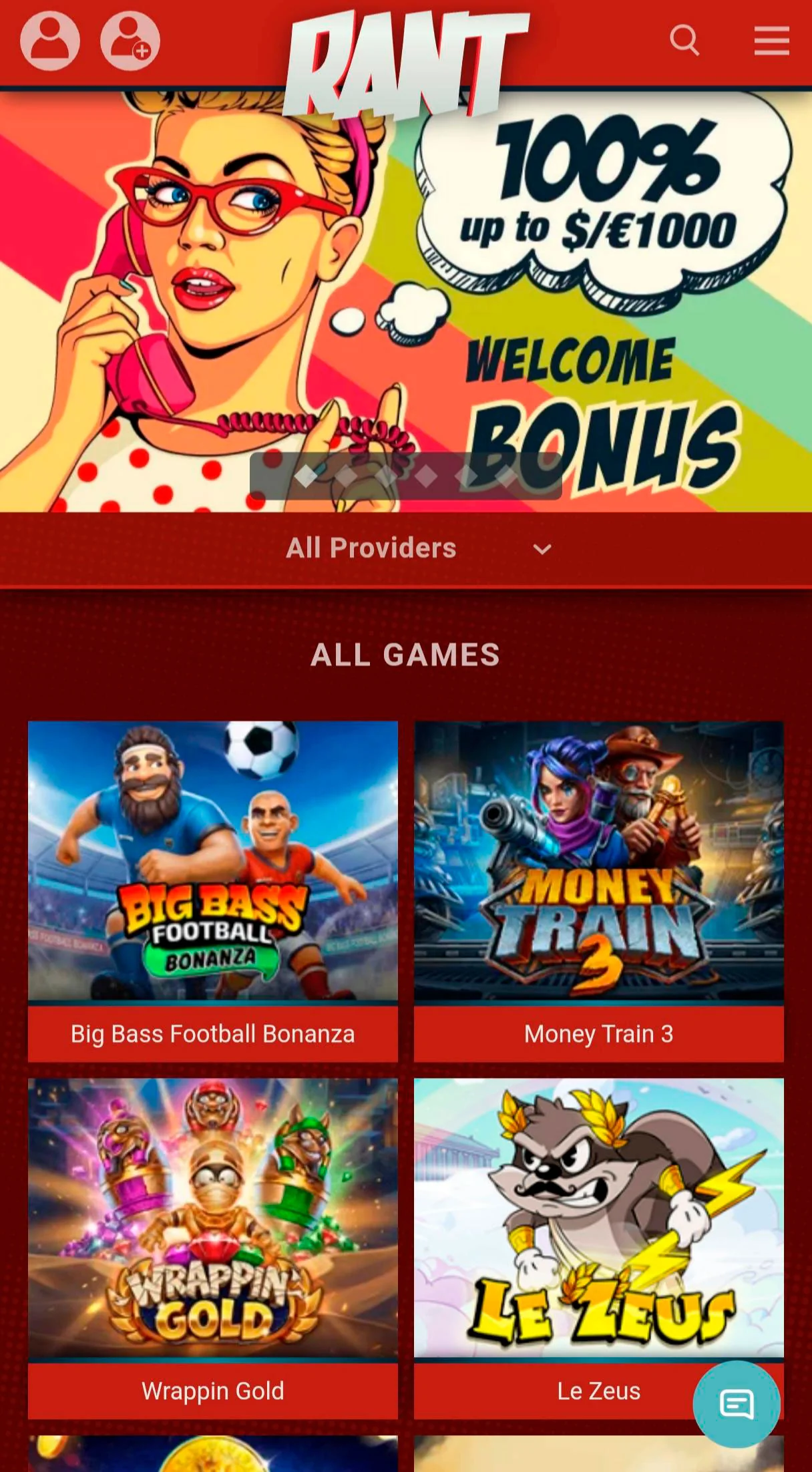
We have built RANT as a progressive web style platform so you can pin it to your home screen and use it almost like a classic casino app. That means quick access, smooth navigation, and no visits to app stores or long installs.
What is a Progressive Web App?
A Progressive Web App (PWA) is basically a RANTCasino website that behaves a lot like a native app when you add it to your home screen. It runs in your browser, but with an icon, full-screen mode, and faster loading thanks to caching.
You get the best of both worlds, easy updates from RANTCasino’s side and an “app-like” icon and experience from yours. You always access the latest RANT Casino version directly through your mobile browser.
Benefits of RANT Mobile Platform
Here are some perks you get when you use the RANT Casino mobile platform:
- Instant access from Safari, Chrome, or any modern browser with no app store approvals.
- Same bonuses, quests, tournaments, and cashback as desktop, with no separate mobile promos you need to track.
- Optimised menus for thumbs, including Popular, Favourites, and Recently Played shortcuts at the bottom bar.
- Mobile-friendly payment methods like Zimpler, bank transfers, and e‑wallets are clearly listed under “Payment methods”.
- Strong encryption and the same Kahnawake licence and security setup as the desktop site, so you can play safely on the go.
Bottom line, if your phone can browse the web, it can handle RANT just fine.
How to Install RANT Casino PWA
Now, you can go one step further and “install” rantcasino.com as a PWA-style shortcut, so it behaves more like a standalone RANTCasino app. The exact steps differ slightly between iOS, Android, and desktop.
Installation on iOS Devices (Safari)
On iPhone or iPad, open Safari and go to rantcasino.com, then log in or create your account. Tap the Share icon in the browser bar, scroll down, and choose “Add to Home Screen”.
Give the shortcut a name like “RANT Casino” and confirm, and an app-style icon will appear on your home screen. From then on, you can tap that icon to open RANT in full screen without typing the URL each time.
Installation on Android Devices (Chrome)
On Android, launch Chrome, visit rantcasino.com, and wait a couple of seconds after the page loads. You can tap the three dots menu and select “Add to Home screen” (or “Install app” depending on your Android version).
Confirm the name, and Chrome will drop a RANT Casino icon straight onto your home screen or app drawer. Next time you tap it, RANT Casino opens like an APK with its own window, but still uses the browser behind the scenes.
Desktop PWA Installation
If you like an APK-style feel on desktop too, open RANT Casino in Chrome or Edge on your computer. Look for the small “Install app” or “+” icon in the address bar and click it.
Confirm the installation, and you will get a standalone RANT window plus a shortcut in your OS menu or taskbar. It is handy if you like quick access to casino games without hunting through browser tabs.
Mobile Login and Registration
You can create and manage your RANT Casino account entirely from mobile, no laptop needed. The same registration form, login fields, password recovery, and KYC prompts work on small screens.
Creating an Account on Mobile
To start, tap “Register” at the top of the RANT Casino mobile site, and you will see our mobile-friendly registration form. You enter your email, username, password, phone, address, and date of birth, then tick that you accept the Terms and Conditions and Privacy Policy, and confirm you are of legal age.
The process usually takes under 5 minutes, and you will receive an email or SMS with an activation link to finish the signup. Be sure to select your currency and bonus preference so your welcome package is ready to go once you deposit.
Logging In via Mobile Browser
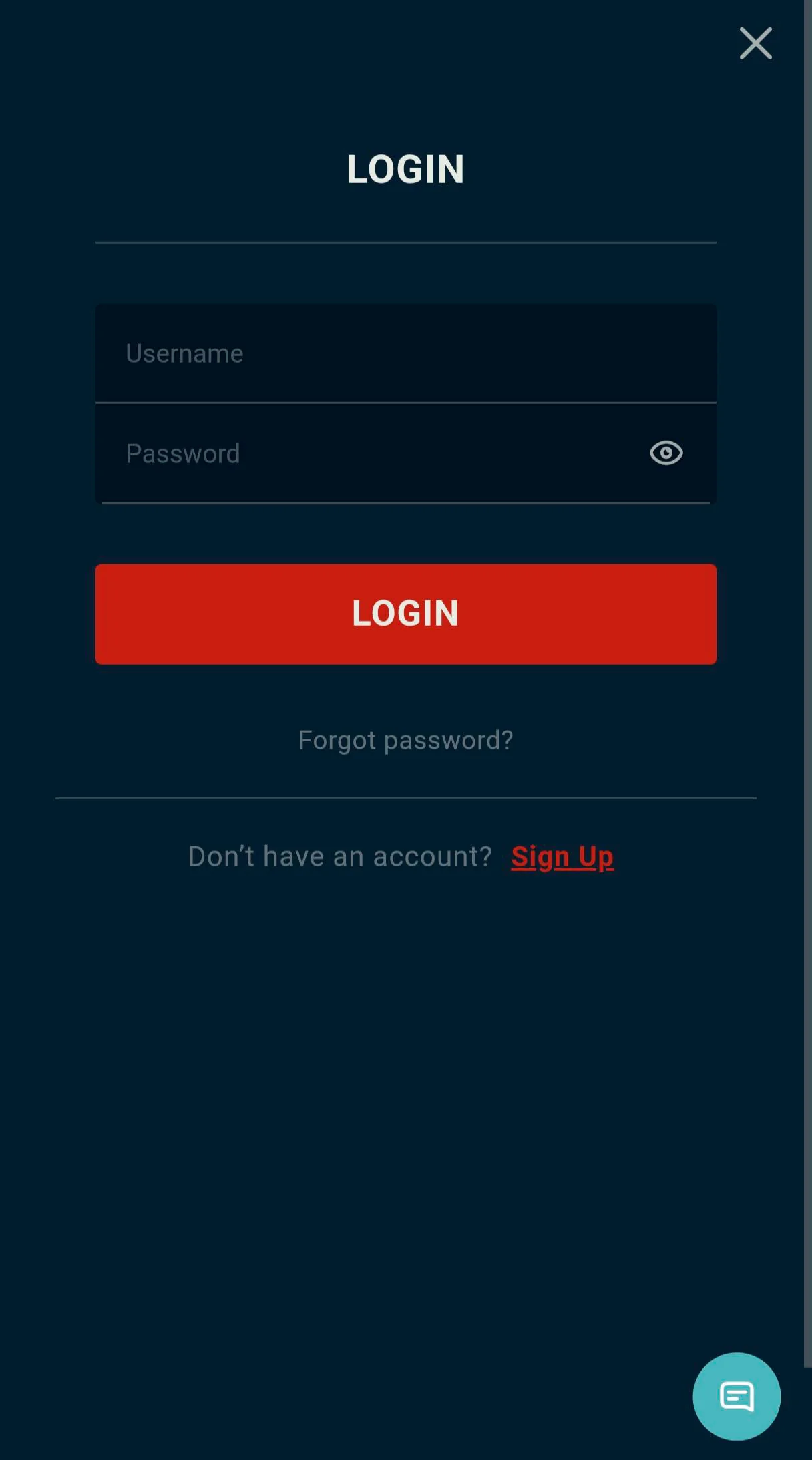
To log in, tap “Log in” at the top of the RANT Casino mobile page, then enter your username or email and password. If you forget your password, use the “Forgot password” link, enter your username, and follow the instructions in the email to reset it.
Once logged in, you can open the Cashier, set limits, browse games, contact support, and manage your profile all from your phone. Everything is encrypted and protected just like on a desktop.
Mobile Games and Features
On the RANT mobile version, you still get hundreds of slots, live casino tables, jackpot games, and bonus buy titles. The top categories and providers are available from the mobile games menu, so you do not miss anything important.
Game Selection on Mobile
The mobile games lobby includes sections like All Games, New, Slots, Megaways, High Volatility, Table Games, Jackpots, Live Casino, Bonus Buys, and Other. You can also access provider filters such as NetEnt, Pragmatic Play, Nolimit City, Play’n GO, Red Tiger, Relax, Yggdrasil, and more right from mobile.
At the bottom bar, you have quick shortcuts for Popular games, Recently played, and Favourites, so you can reopen your top picks in seconds. Scrolling automatically loads more games, so you do not have to tap through dozens of pages on a small screen.
Live Casino on Mobile
Our live casino on mobile includes roulette, blackjack, baccarat, game shows, and more from top live providers like Evolution and Ezugi. Streams are optimised for smaller screens, so you still see the dealer, the betting layout, and results clearly.
You can join tables, place bets, use chat where available, and switch tables without leaving the mobile browser. Minimum and maximum stakes are the same as on desktop, so you can keep your usual live casino habits on your phone.
Conclusion
Bottom line, the RANT Casino mobile “app” is our browser-based PWA-style experience that works on almost any modern smartphone or tablet. You get full access to RANT Casino games, bonuses, banking, and support without downloading a separate native app, just by visiting rantcasino.com and adding it to your home screen if you like.